How to stay within your daily drawdown limit
In brief
Staying within daily drawdown starts with one simple check: what decline does the dashboard measure, and from which reference? You can then decide when to stop and how to enforce that decision.
Understand the displayed figure
Daily drawdown represents a decline measured during the day against a reference. That reference might be the balance at the start of the period or another basis specified by the rules being used.
Also check whether floating losses and costs enter the calculation. An open position can change equity while balance stays the same. A daily loss limit and daily drawdown therefore do not always describe the same measurement.
Keep the calculation understandable
For illustration, with a fixed €10,000 reference and a measured account value of €9,800, the decline is €200, or 2%. This is not a recommended threshold and does not describe every tool’s formula.
If your rule follows a peak or changes reference at reset, the result can differ. Understanding that difference is more useful than copying another trader’s percentage. Use the definition that applies to your own account.
- Check the reference. Read the calculation method and reset time.
- Review exposure. Look at open positions, pending orders and costs.
- Follow the planned stop. Keep limit changes for the review after your session.
Enforce a limit chosen before trading
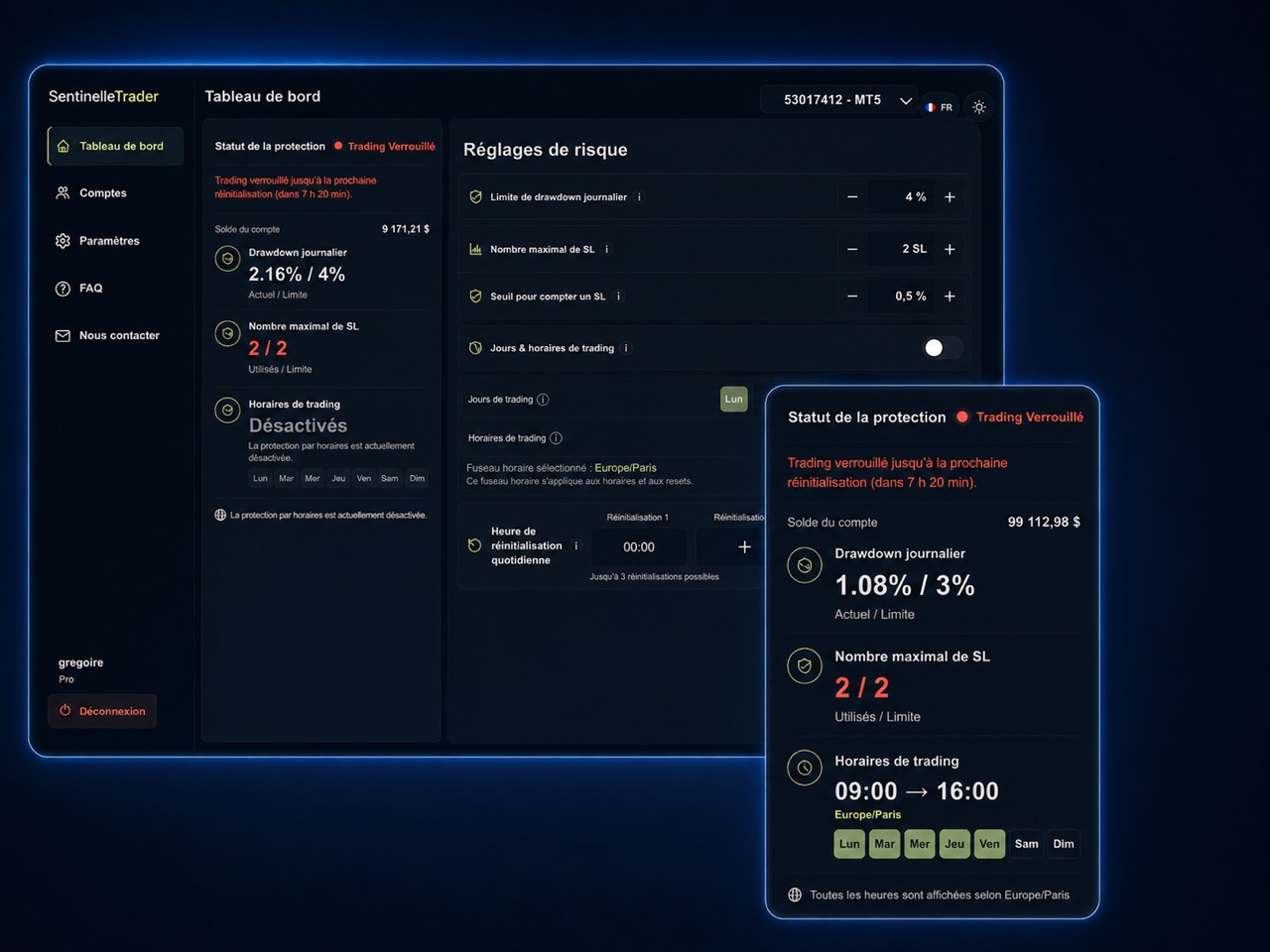
SentinelleTrader monitors drawdown and the stop-loss count on your connected MT4/MT5 account. While a lock is active, new positions are automatically closed. Explore the service to understand this form of protection.
Before the session, check connectivity and the settings actually applied. Execution conditions can cause differences from the expected result; a lock does not guarantee an exact maximum loss. If you cannot verify protection status, use the manual stopping procedure you prepared.
See the SentinelleTrader interface
Sources and information about this guide
SentinelleTrader team · Published .
Written by the publisher of SentinelleTrader. Product sections describe our own service. Our editorial method.